
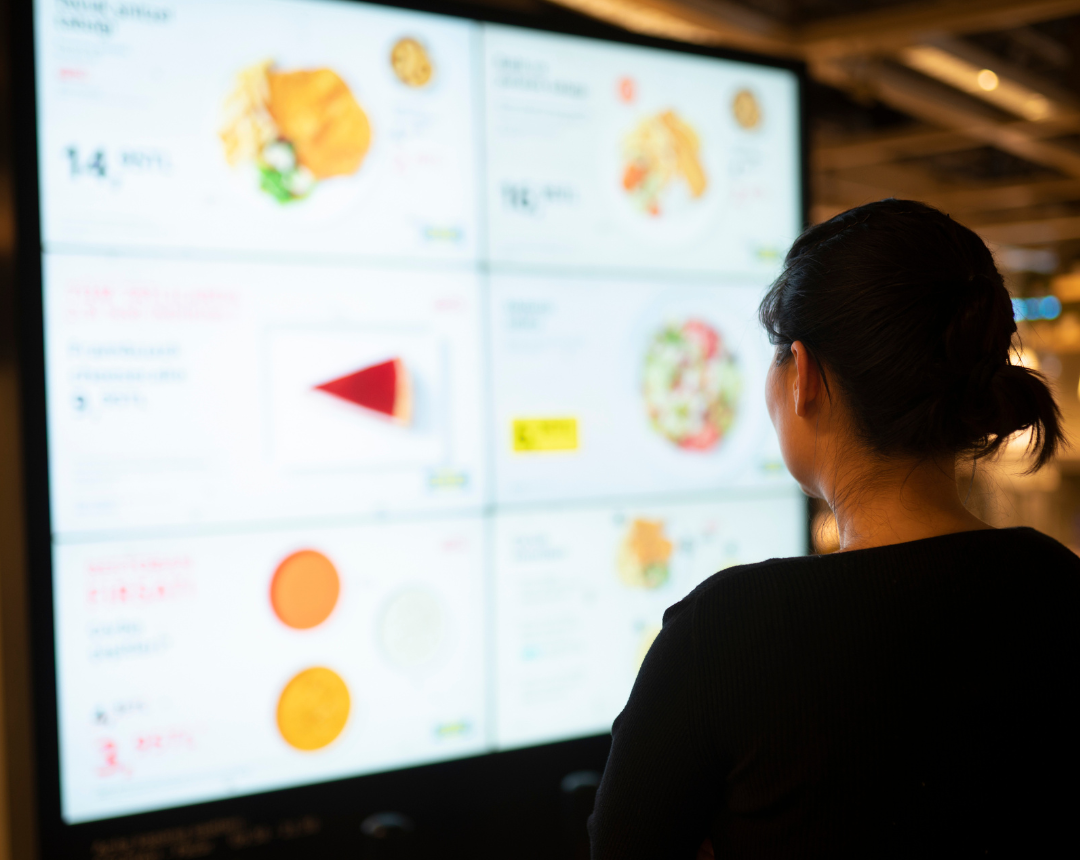
Digital menu boards promise higher sales, faster ordering, and better customer experiences, but for multi-store QSR brands, most failures don’t come from the software or the screens themselves, they come from poor installation and fragmented field services.
The transition from static, analog merchandising to dynamic digital infrastructure is a fundamental shift in how restaurants operate. Yet, up to 80% of digital signage installs fail to meet performance expectations due to last-mile execution issues, inconsistent technicians, and underestimating the complexity of nationwide deployments (CrownTV, 2024).
When a screen goes dark in a drive-thru lane or a kitchen display disconnects during a lunch rush, it isn't just a technical glitch, it is a direct revenue loss. This guide explains how enterprise QSR brands can choose the right digital menu board system and install it consistently across every store, using a nationwide field services model that reduces risk, downtime, and rework.
Digital Menu Boards Are Operational Infrastructure, Not Just Signage
For decades, menu boards were marketing assets while static signs required a ladder and a new translite to update. Today, digital menu boards (DMBs) are a critical operational infrastructure. They are integrated into the Point of Sale (POS) and inventory management systems, allowing for real-time pricing updates, automatic removal of out-of-stock items, and dynamic upselling.
The impact of properly deployed DMBs is measurable. Case studies, such as those from Prime Burger, demonstrate a 50% sales lift after transitioning to digital, driven by the ability to use motion graphics to attract attention. Furthermore, strategic upselling prompts can increase average transaction size by 30% (WAND Digital, 2021).
However, because these systems are operational, their uptime requirements are strict. In a QSR environment, content uptime must rival utility reliability. A blank screen during peak hours stops the ordering process cold.
The Link Between Installation and ROI
The ROI for digital signage is often calculated based on sales lift and the elimination of print costswhich can reduce advertising operational costs. But these calculations assume the hardware works.
Installation quality directly affects this ROI. Poor cabling can lead to intermittent signal loss. Inadequate thermal management can cause screens to overheat and fail within months rather than years. Operational failures caused by poor installs, such as dark screens, unreadable menus due to glare, or drive-thru downtime, turn a revenue-generating asset into a liability.
Installation Risks Unique to Digital Menu Boards (Indoor, Outdoor, Drive-Thru)
Digital menu boards fail at a higher rate than other in-store technologies because they are placed in more agressive environments. The requirements for a screen inside a climate-controlled office are vastly different from those of a screen mounting above a deep fryer or facing the sun in a drive-thru lane all day long.
See how to get 24/7 Nationwide QSR IT Support.
Outdoor Environments: Thermodynamics and Solar Loading
The drive-thru lane is the most profitable zone in a QSR, generating nearly 70% of sales, yet it is the most technically hazardous. Outdoor digital menu boards face "solar loading," where direct sunlight can push the internal temperature of an enclosure to over 158°F (70°C), causing the liquid crystals in the screen to boil and turn permanently black (Infinitus, 2021).
To prevent this, outdoor installations require:
- High-Bright Displays: Outdoor screens must produce at least 2,500 nits of brightness to compete with direct sunlight. Anything less results in washout, rendering the menu invisible.
- Thermal Management: Enclosures must have active airflow and environmental controls to keep internal components within operating temperature ranges.
- IP Ratings: Hardware must be rated IP56 or IP65 to withstand rain, dust, and pressure washing.

Indoor Environments: The Grease Fog
Indoor screens face a different enemy: commercial kitchen contaminants. Airborne grease and flour can coat internal components, leading to overheating. Standard consumer televisions are not designed for this environment. Successful indoor installation requires commercial-grade displays with appropriate ingress protection and strategic placement away from fryer exhaust paths.
Scaling Digital Menu Board Installation Across Hundreds of Stores
For a franchise operator or corporate IT director, the challenge is not installing one menu board successfully; it is installing five hundred menu boards that all look and function identically.
The Cookie-Cutter Myth
Corporate rollouts often rely on a "cookie-cutter" approach, assuming every store footprint is identical. In reality, physical variance is the norm. A location built in 2024 will have different electrical capacity and structural backing than a location retrofitted from the 1990s.
When a technician arrives with a standard mounting kit and finds non-standard conditions, such as a concrete bulkhead instead of drywall, work stops. This triggers change orders, delays, and inconsistent workarounds that damage brand perception.
Standardization Through Staging and Surveying
To scale effectively, enterprise brands must prioritize standardization without ignoring site variability.
- Site Surveys: Before a single screen is shipped, a technician must visit the site to map power, data, and structural integrity. This ensures the dispatch team sends the exact tools and parts needed for that specific location.
- Kitting and Staging: Hardware should be configured, updated, and "kitted" with all necessary cables and mounts at a central depot before shipping. This minimizes time on-site and eliminates "Dead on Arrival" (DoA) equipment.
- Documentation Standards: Technicians must follow a customizable field guide that dictates everything from mounting height to cable dressing. This ensures a repeatable install where Store #100 looks exactly like Store #1.
Speed, Dispatch, and Downtime: Why Nationwide Field Services Matter
In the QSR industry, speed is the currency of success. This applies to technology repair as much as food preparation.
The Cost of Downtime
Downtime is a direct revenue risk. For major chains, downtime during peak windows can be catastrophic. Data suggests that for large QSR networks, a systemic outage during high-stakes surge events (like the Super Bowl) can cost over $14,000 per minute.
Even routine outages bleed revenue. If a drive-thru menu goes dark, cars leave. If the Kitchen Display System (KDS) fails, production slows.
Response vs. Resolution
When selecting a partner, it is vital to distinguish between response time (how fast they pick up the phone) and resolution time (how fast the screen is fixed). While software glitches can often be fixed remotely, physical failures require smart hands on-site.
Approximately 33% of technology issues require physical escalation. A nationwide field services partner with a quick-dispatch model ensures that a qualified technician can be on-site within 4 hours, regardless of whether the store is in downtown Chicago or rural Nebraska.
- First Run Rate (FRR): The most critical metric for efficiency is First Run Rate, the percentage of issues resolved on the first visit. The industry average is around 88%, but specialized partners like Netfor aim for 95% or higher. High FRR prevents the "re-dispatch" cycle that compounds costs and extends downtime.
Technician Quality, Vetting, and the Difference Between Coverage and Capability
The quality of the technician arriving at the store is the single biggest variable in the success of an installation.
The Risks of the Gig Economy
Many providers claim "nationwide coverage" but rely on unmanaged gig-economy platforms. This can lead to technicians who are unqualified, under-equipped, or unprofessional. An unvetted technician represents a security risk, having physical access to your network core and POS systems.
Coverage vs. Capability
True operational readiness requires more than just a dot on a map. It demands capability.
- Vetting: Partners must verify specific skills (e.g., low-voltage licensing, fiber splicing) and conduct tooling audits to ensure the technician has the right equipment for the job.
- Accountability: A managed field service provider acts as the single point of accountability. If a technician fails, the provider handles the remediation, protecting the store operator from liability and administrative headaches.
Try Netfor’s Digital Menu Board Install Pilot
Digital menu boards succeed or fail at the installation level. While the software provides the features and the hardware provides the display, it is the installation that ensures reliability, longevity, and ROI.
For enterprise QSR brands, nationwide execution requires more than geographic reach, it requires a strategic approach to field services. By prioritizing consistency, speed, and accountability, brands can reduce downtime, extend hardware lifespan, and unlock the full revenue potential of their digital investments.
Don't let the last mile be the weak link in your digital transformation. Learn how Netfor’s nationwide, quick-dispatch field services model can support digital menu board installs across all your locations.